
What happens when everything can see everything
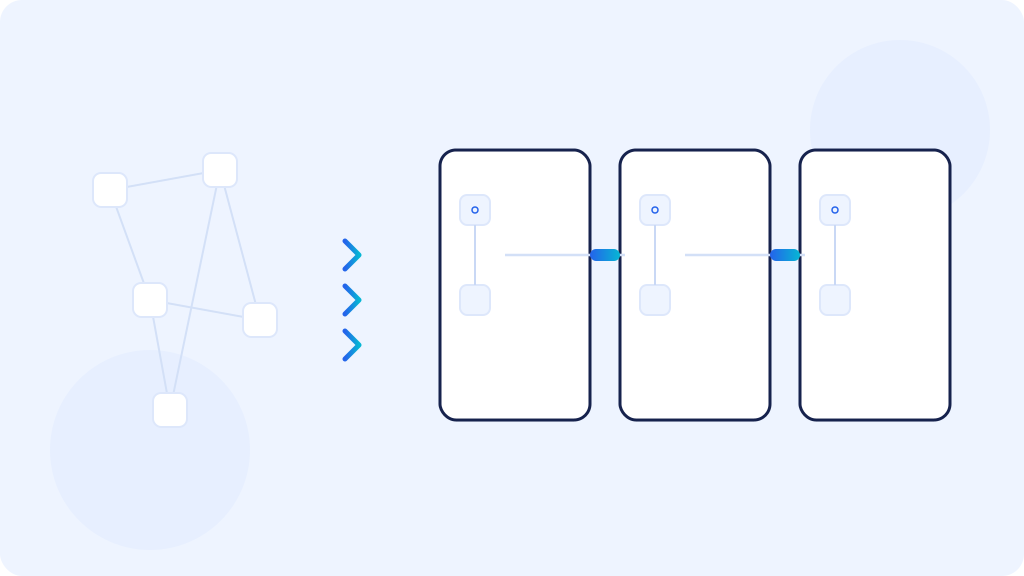
A flat network is one where every device can talk to every other device. The laptop at the front desk can reach the database server, the camera can reach the payroll workstation, a visitor phone can reach the printer and the Wi-Fi controller. As long as nothing goes wrong, it all works and nobody has a reason to touch it. Such a network is rarely a deliberate choice. It usually just grows, from one switch in the rack to several, and nobody stops to put it in order.
The problem shows up on the day one device gets infected. Malicious software does nothing clever. It scans addresses in its own network, looks for open file shares and tries passwords on whatever answers. In a flat network it has the whole company to search through, not one department.
The same goes for an ordinary mistake. Someone plugs a device into the wrong socket, someone else adds a private router to get better coverage in their room. In a segmented network that incident ends inside one segment. In a flat network it affects everyone.
Segmentation is not only about stopping an attack
Splitting the network gives you three things at once. First, damage stays limited, because a failure or an infection remains in its own segment. Second, traffic becomes readable, so you can see who connects to whom and find the cause faster when something slows down. Third, audits get easier, because how the network is separated is one of the first questions asked.
The 2022 version of ISO 27001 has a dedicated control on segregating networks. PCI DSS, which applies to companies handling card payments, does not require segmentation outright, but without it the whole company network falls inside the scope of the audit. That is usually the most expensive option available.
What to separate and why
There is no single split that fits every company, but there is a set of groups that should almost always stand apart:
- Guest Wi-Fi. It should provide internet access and nothing else. No access to printers, network drives or company systems.
- Employee computers. This is where most of the traffic is and where most infections start, because this is where attachments and websites get opened.
- Servers and production systems. You reach them through specific services, not across the board. Machine controllers and production systems are often old and cannot be patched, which is one more reason not to keep them next to laptops.
- Finance and HR. This is not about distrusting people. It is about the fact that this is where the data sits that hurts most to lose and costs most to leak.
- Printers and office devices. Almost nobody updates them, and they often come with their own admin panel and a factory password.
- Cameras, access control, building automation. These are usually installed by an outside company, often together with remote access that nobody in the company remembers any more.
- Network management. The panels of switches, access points, the firewall and storage arrays should be reachable only from designated workstations. This is the most valuable target in the whole network.
How it is done in practice
The split itself is done with VLANs, which are logical networks running on the same hardware. The standard that describes VLAN tagging is IEEE 802.1Q, and every managed switch supports it. You usually do not need to buy more hardware, you need to configure what you already have.
A VLAN on its own blocks nothing between segments. What passes from one to another is decided by rules on the device that joins them, which means the firewall or a layer three switch. The principle is simple. By default nothing passes, and you open exactly the connections that people need for their work.
That leaves the question of how a device ends up in the right segment. You can pin a segment to a wall socket, but then moving a desk means changing the configuration. Authentication inside the network works better, and it is described by the IEEE 802.1X standard. The device or the user identifies itself on connection, and the network assigns a segment on that basis. It works both on cable and on Wi-Fi.
On Wi-Fi the equivalent is enterprise mode, meaning WPA2-Enterprise or WPA3-Enterprise with a RADIUS server. Everyone signs in with their own credentials or a certificate, instead of typing one password known to the whole company and half of the former staff. The guest network stays separate, with a password you can change without telling everybody.
We have VLANs, so we are segmented
That is the most common sentence you hear before a network review, and most often it is not true. The VLANs may exist, the addressing may be separated, and between the segments there is a single rule that permits everything to everything. Traffic moves exactly as it did in a flat network, it just looks tidy on the diagram.
The second version of the same problem is rules added during an outage and never removed. Someone needed access from the workstations to a server for a moment, a whole segment was opened, the outage passed and the rule stayed. After a few years of such exceptions the split exists only in the documentation.
So segmentation is judged not by the number of VLANs, but by what actually passes between them. If nobody can answer that question from memory, the shortest route is to export the rules and read them one by one.
What to think through before you change anything
Segmentation looks like a configuration job, and in practice it is an inventory job. Before the first new VLAN appears, you need three things:
- A device inventory. What is on the network, where it is, who is responsible for it and whether it is still used at all. There are almost always a few things nobody remembered.
- An addressing plan. Separate ranges for the segments, with room to grow, so that you do not repeat the same work in two years.
- A map of connections. Who really has to talk to whom, and over what. Not who talks today, because today everything talks to everything, but what is actually needed for the work.
Most of the surprises hide in that third point. Printers that are discovered by broadcast on the local network and stop being visible after the split. A warehouse application with the server address hardcoded in a configuration file. A backup agent that has to reach every machine. A device that the manufacturer maintains remotely. Every one of those connections can be predicted, provided somebody writes them down first.
What you never do in one cut in the middle of the day
A network split rolled out across the whole company in one evening ends the same way everywhere. In the morning several things are broken at once, nobody knows which change caused it, and under pressure everything gets rolled back.
A sensible order is the opposite. First come the segments that get in nobody way, which means guest Wi-Fi, cameras and printers. Then, one at a time, the segments people work in. It pays to run the rules between segments first in a mode that permits traffic but logs it. After a week the logs show the truth about what connects to what, and only then do you start closing things down.
Every such step happens in a service window, with the configuration saved before the change and with a decision made in advance about what makes you roll it back. This is not caution for show. Segmentation touches everyone, so a single missed connection stops the work of people who did not even know anything in the network was changing.
Where to start
If you do not know whether your network is segmented, the check is short. Take an ordinary office computer and try to reach the switch panel, a camera and the database server from it. If all three answer, the network is flat regardless of what the diagram says.
After that it is plain work. Device inventory, map of connections, addressing plan, then the segments one by one, each in a service window. The hardware already in the rack is usually enough, and the biggest cost is the time spent finding out who really has to talk to whom.
We design and maintain company networks, including VLAN segmentation and the traffic rules between segments. If you want to know which segment to start with in your case, a short conversation and a look at the current configuration is usually enough.